










































How to delete an API in SAP APIM
WRITTEN BY
How to delete an API in SAP APIM
Everyone who is starting to learn SAP APIM, will know that while practicing on the go, we make many demo and test APIs. But what if we want to delete those later, when we learn? What sort of errors we get while doing so and how to get rid of them?
This blog will help you in deleting your test APIs.
This is my first blog on SAP APIM and I too am a beginner and learner of APIM. While I was trying to delete my initially created APIs, it was showing an error like unable to delete an API because it is linked with a product/application. I’d like to share this little learning, which might help you in your journey with API
Problem:-
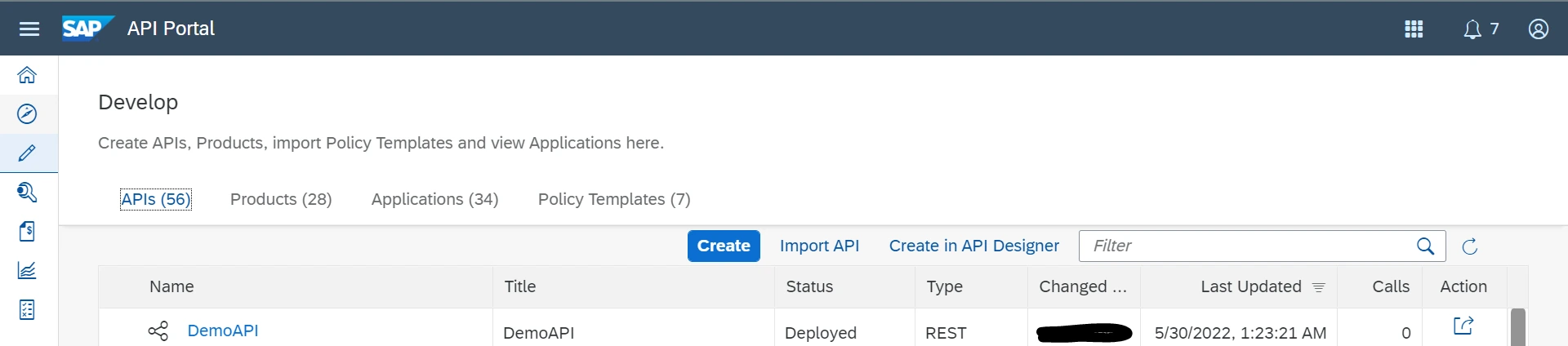
Lets assume we want to delete an API, which is published into our Business Hub and we have subscribed to it.
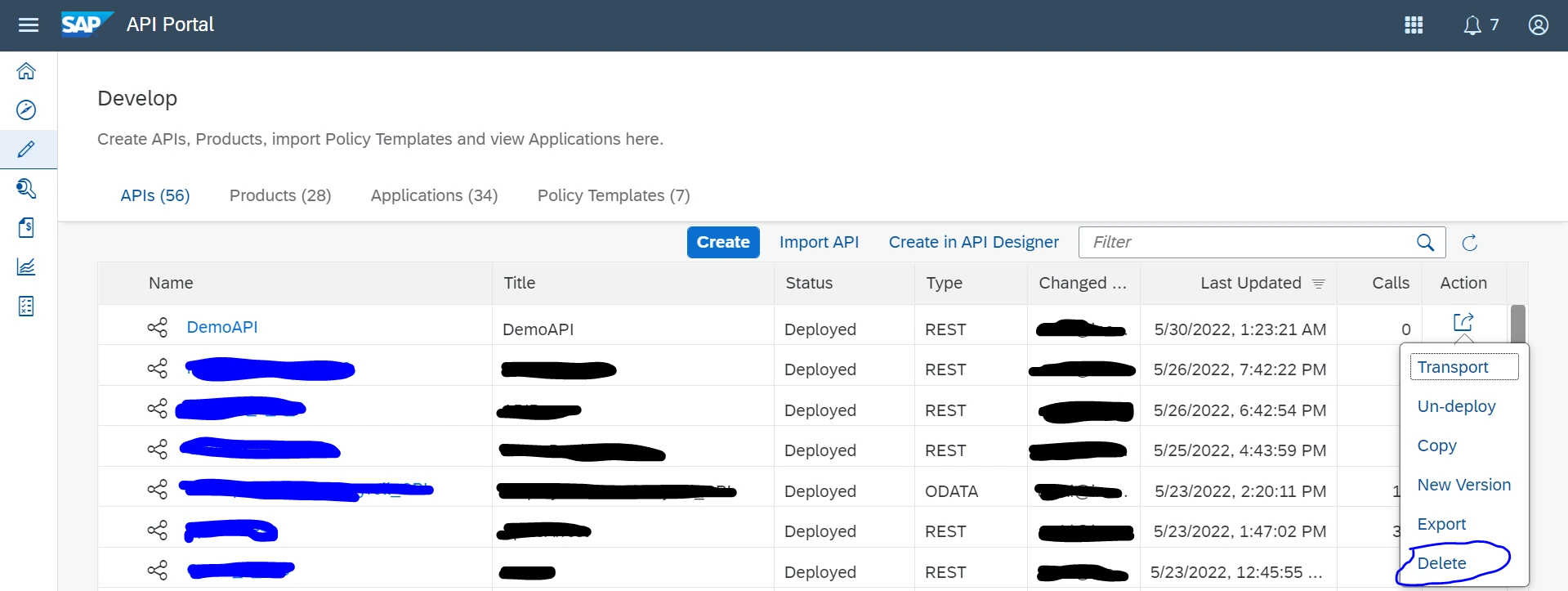
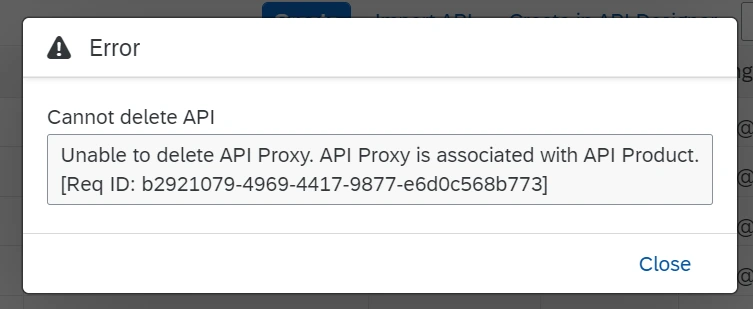
But, when we try to delete the product associated with this API
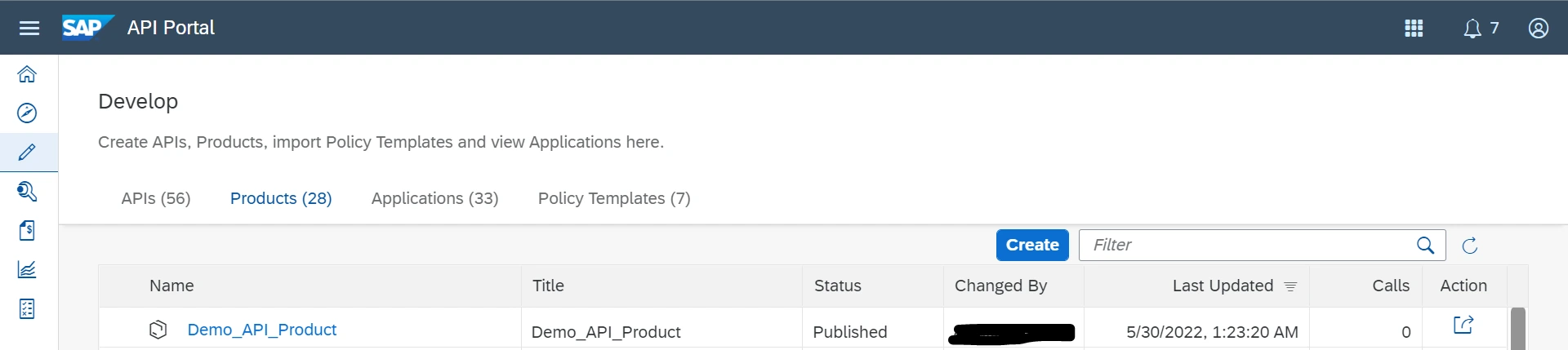


Which means , to delete an API we first need to delete any application linked to it following with the deletion of the product associated to the API and finally we can delete the main API.
But where could we delete the Application?
All the applications could be seen under this application tab

But there we don’t see any option to delete the same
Then? How can we delete the same if we cant see it?
Solution:-
The solution is right there in top right corner of the page
Yes, our API Business Hub…


There in Business Hub, go to My Workspace, where we can view and mange our created Applications.

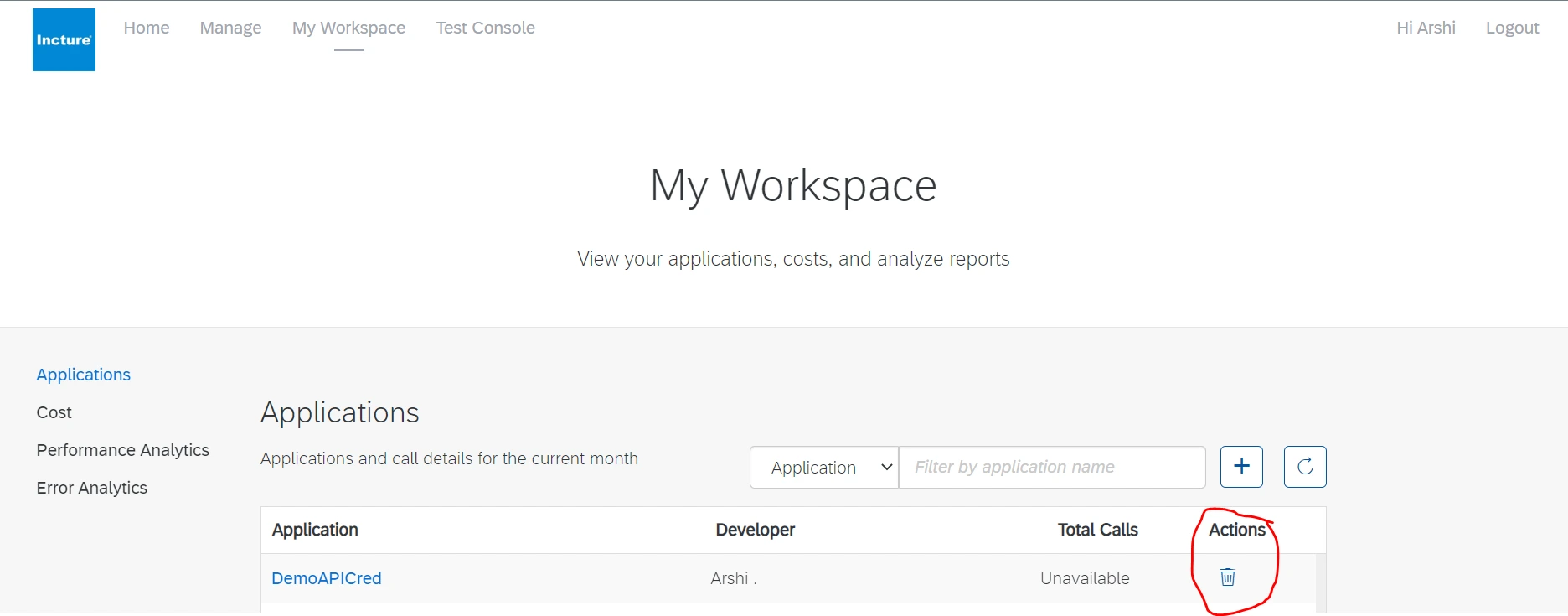
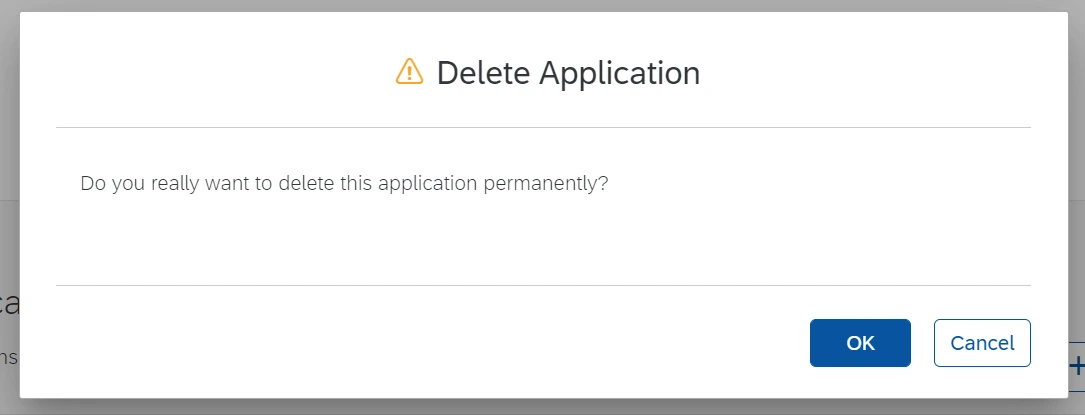
I hope you too could find this helpful

SAP Integration Suite vs. MuleSoft: Which Integration Platform Is Better for SAP-Centric Enterprises?
Comparing SAP Integration Suite vs MuleSoft? This detailed evaluation contrasts both enterprise iPaaS platforms across architecture, deployment, pricing, Event Mesh, and Salesforce integration. Discover why SAP Integration Suite provides seamless, cost-effective native connectivity for SAP-centric organizations, while MuleSoft offers flexible API-led orchestration for hybrid multi-cloud environments. Learn which solution best fits your enterprise strategy.

How Agentic AI Automates SAP Integration Suite API Management with an MCP Server
Enterprise API management has long been constrained by manual workflows, complex governance, and repetitive configuration steps. This detailed article explores how combining Agentic AI with Model Context Protocol (MCP) servers transforms SAP Integration Suite API Management. Discover how autonomous AI agents interpret natural language prompts to automate every phase of the API lifecycle from instant proxy creation and policy configuration to seamless deployment, automated documentation generation, and developer portal publication. Learn how to accelerate time-to-market while maintaining strict enterprise governance.
